
Netlify
You can configure Netlify to send alerts to AlertHub when a deployment fails.
You can configure Netlify to send alerts to AlertHub using outgoing webhooks. This allows you to receive notifications for build statuses without modifying your code.
Method 1: Outgoing Webhook (Simple)
1. Get your Project Key
- Go to your AlertHub Project Settings.
- Copy your Key.
2. Add the Webhook in Netlify
- Go to your Project configuration in Netlify.
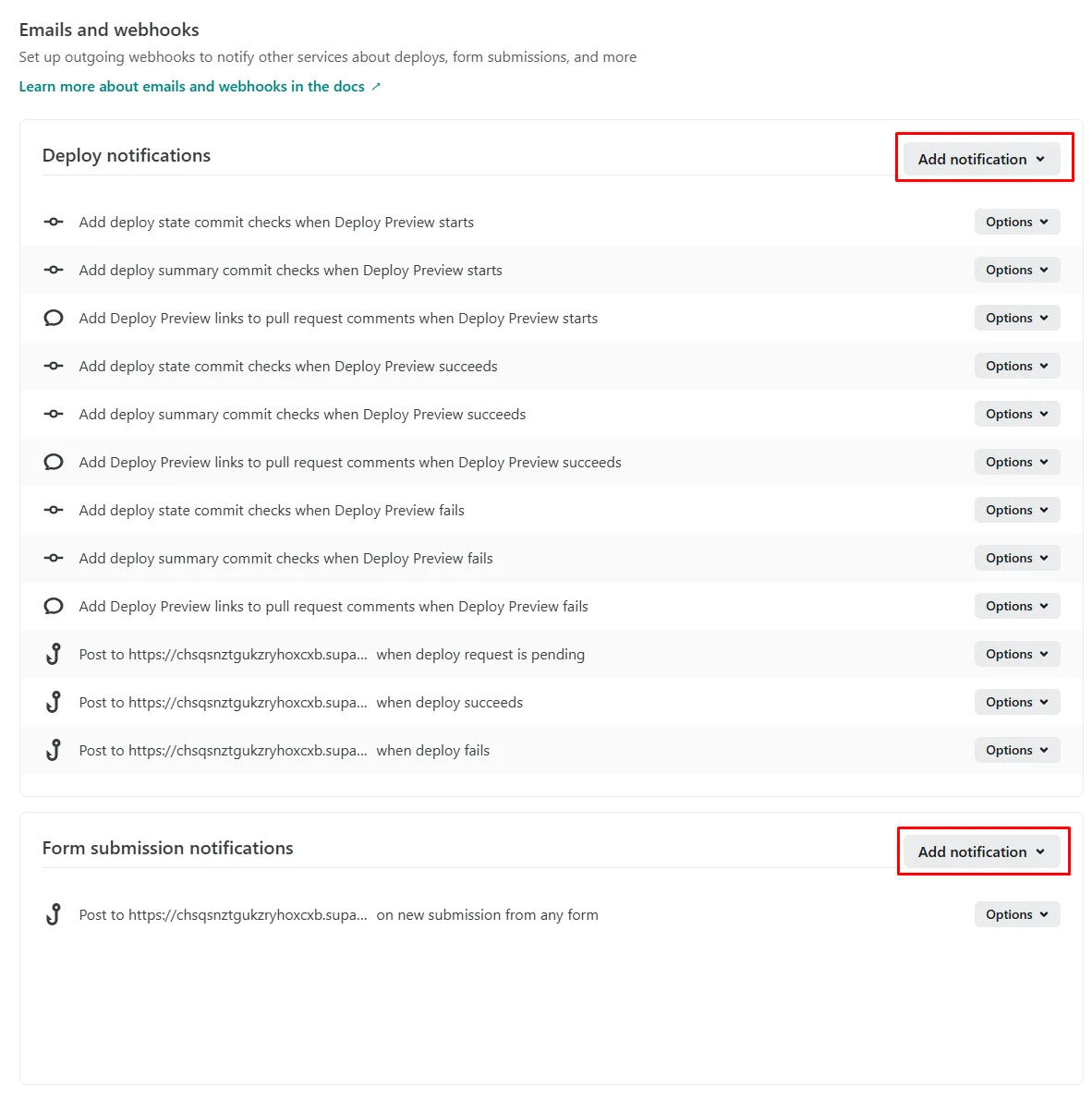
- Navigate to Project configuration > Notifications.
- Click Add Notification and select HTTP POST request.
- Event to listen for: Choose
Deploy failed,Deploy succeeded, orDeploy started. - URL to notify: Use the URL generator below.
3. URL Construction
Use the following configuration to receive detailed alerts about your deployments.
Check the Netlify docs for more available data fields.
Method 2: Netlify Build Plugin (Advanced)
For a cleaner integration, you can create a local plugin plugins/alerthub/index.js and reference it in netlify.toml.
netlify.toml
[[plugins]]
  package = "/plugins/alerthub"
plugins/alerthub/index.js
module.exports = {
  onError: async ({ error, utils }) => {
    const fetch = require('node-fetch');
    await fetch('https://api.thealerthub.com/sendAlert', {
      method: 'POST',
      body: JSON.stringify({
        ah_key: process.env.ALERTHUB_KEY,
        ah_title: "Netlify Build Error",
        ah_description: error.message,
        ah_level: "error",
        ah_source: "Netlify"
      })
    });
  }
};