
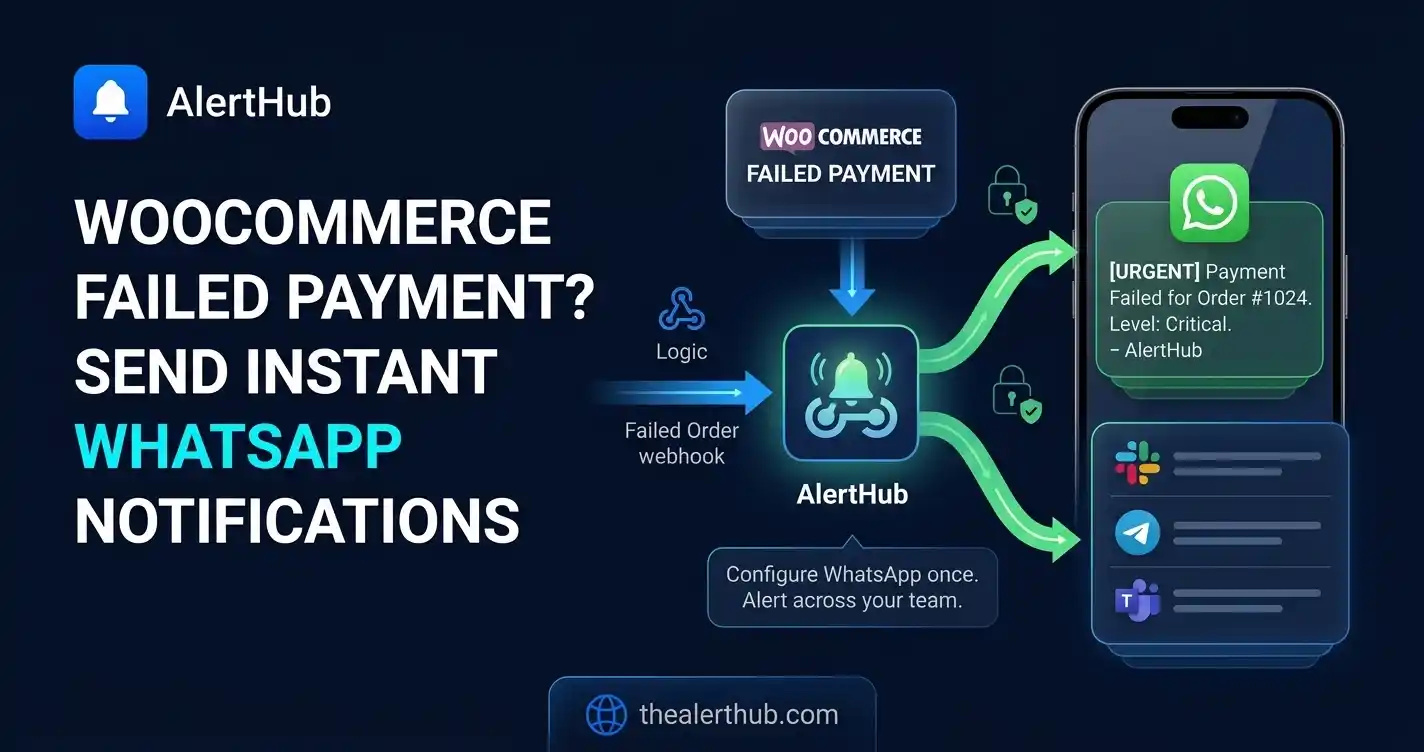
Failed cards on a WooCommerce checkout are silent on Saturday. Gateway emails land in a shared inbox. Paid-order WhatsApp pings are useful when you pack from the phone; they are expensive when every €12 sale burns WhatsApp Pro quota.
This post is the revenue-leak last mile: woocommerce_order_status_failed (and cancelled) at warning, paid orders at info. Hook tables and {{0}} recipes: WooCommerce order alerts. Paid orders on WhatsApp: WooCommerce WhatsApp order notifications. Stripe invoices (SaaS, not this shop): failed Stripe payments.
WhatsApp is Pro or higher. Only warning and critical are delivered. Info never uses quota. If Slack is connected, it receives the same failed-payment warnings — there is no per-hook destination filter.
What should ring vs what should not
| Hook | Level | WhatsApp? |
|---|---|---|
woocommerce_order_status_failed | Warning | Yes |
woocommerce_order_status_cancelled | Warning | Yes |
woocommerce_payment_complete | Info on a busy shop | No (dashboard only) |
woocommerce_new_order | Info | No |
woocommerce_low_stock | Warning if stock-outs cost ads | Yes — still quota |
Same plugin, same project key. You only change the Level on each alert under Tools → AlertHub → Alerts.
Setup (once)
- Install the AlertHub plugin, paste the secret key, send a test alert (WordPress docs).
- Add
woocommerce_order_status_failedas in the order guide — titleWooCommerce payment failed #{{0}}, level Warning. - Link WhatsApp on Connections (upgrade first if the card is Premium). Linking steps: WhatsApp destination.
Force a failed checkout in a sandbox gateway (declined test card). Confirm the row in the dashboard and the WhatsApp message.
Alert 1: Payment failed
woocommerce_order_status_failed passes the order id as {{0}}. Description can remind you to open the order and the gateway log. This is the store equivalent of Stripe invoice.payment_failed — if you also bill SaaS on Stripe, use ah_source / plugin source name (WooCommerce vs Stripe) in one project, or split projects so WooCommerce quota is not shared with billing pages.
Alert 2: Order cancelled
woocommerce_order_status_cancelled at warning. Useful for refund abuse and checkout friction. If cancellations are routine (customer changed mind), drop this hook to info so it stops consuming WhatsApp.
Alert 3: Paid orders stay off the phone
If you followed the paid-order WhatsApp post and volume is high, set woocommerce_payment_complete back to info. Failed payments stay loud. The feed still records every paid order for search — inbox and retention.
Ideas to squeeze more value
- Stripe + WooCommerce. Checkout on WooCommerce is this hook. Recurring Stripe Billing is a webhook URL, not a WordPress hook — Stripe source. Same AlertHub project is fine; label the sources.
- Telegram overflow. Exhausted WhatsApp quota skips further WhatsApp sends; Telegram still fires.
- Critical vs warning. The plugin UI may say Error; send Warning unless a single failed checkout is an incident (high-ticket). Critical uses the same quota.
- Do not install a second WhatsApp plugin. Rotate the AlertHub WhatsApp link, not WooCommerce.
FAQ
Does WooCommerce POST to WhatsApp?
No. Plugin → AlertHub → WhatsApp.
Can I include the order total?
Not from the default failed-status args (order id only). Open the order in admin, or a small wc_get_order() snippet calling AlertHub_API::send_alert() — same limitation as paid orders in the order guide.
Will a failed and a cancelled status double-page?
If an order hits both hooks, you get both alerts. Disable the cancelled rule if your gateway always cancels after fail.
Next steps
Save the failed-payment hook at warning, keep paid orders at info, link WhatsApp, and decline a test card.
Related: WhatsApp Pro · WooCommerce → Slack/Telegram · failed payments from Stripe and WooCommerce